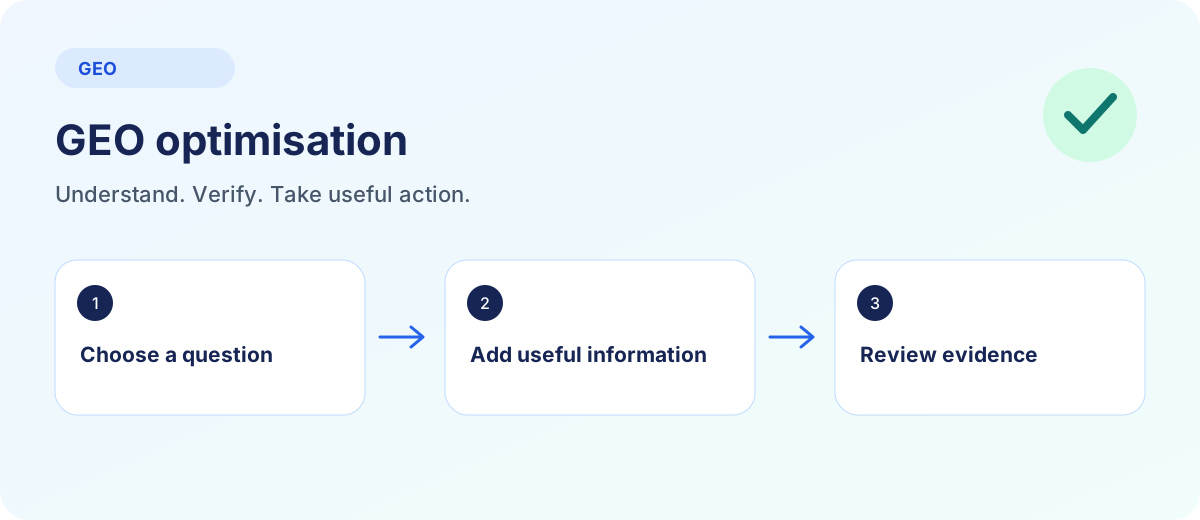
Choose a relevant customer question, inspect the responsible page and close one specific information gap. Record the change. Check again later under comparable conditions instead of chasing every fluctuating answer.
Start with a real decision
“More AI visibility” is too vague as a working brief. Choose a task: someone is comparing plans, looking for an integration or checking whether the product suits their industry. Write the question in that person’s language.
Use existing enquiries and search data if available. Otherwise, label the question as a hypothesis. An AI-generated list does not establish how often people ask those questions.
Assign a destination page to the question. Several phrasings of the same decision often belong on one page. Our GEO vs SEO comparison explains why both approaches benefit from that clarity.
The search intent guide helps separate an explanation from a comparison or a concrete buying decision.
Review the page before adding more text
Read the page as a new visitor. Does the opening explain who the offer is for? Can you find prerequisites, limitations, pricing and next steps? Is useful content available without signing in?
Also check the status code, indexing permission and selected canonical URL. A sitemap can help discovery, but it does not remove access barriers or resolve conflicting information. Use the GEO audit when you need a structured review.
Not every article needs a price list. An introductory guide can link to the relevant product page. Readers should be able to find the answer without following a chain of almost identical pages.
Replace vague promises with verifiable information
This fictional example illustrates an editorial change, not a measured ranking effect. Imagine a project management product that genuinely supports CSV imports.
| Before | After |
|---|---|
| “Our platform makes collaboration limitless.” | “You can import tasks as CSV. Title and status are required; attachments are not imported. The import guide explains the file format.” |
The second version names a task, prerequisites and a limitation. Link to the actual instructions. Use numbers, awards or integration claims only when they are verifiable and current.
A direct answer at the beginning of a section helps readers. Follow it with explanation, an example and evidence. This is not a mandatory word count or a format that automatically earns a citation.
For conflicting provider or product names, start with the entity SEO fact check. It assigns important claims to responsible pages.
Make statements verifiable
Separate your own product facts from statements about third parties. Your pricing page is the appropriate source for your prices. Support a general statement about Google with the relevant Google documentation wherever possible.
Place sources where they help a decision. A block of twenty loosely related websites does not make an article more dependable. For each source, check whether it supports the exact claim, remains accessible and has a relevant publication or update date.
Explain who is responsible for a guide and when it was reviewed. Do not invent author profiles or customer outcomes. Google’s helpful content guidance offers a useful review framework.
Connect the guide to a useful next step
Link from a relevant paragraph to the page answering the next question. A discussion of sources can lead to the measurement guide. A software decision belongs with the GEO tool checklist. Use descriptive link text.
For individual search systems, the ChatGPT SEO and Perplexity SEO guides take the workflow further. A table of contents helps readers navigate a longer article. Tables are useful for genuine comparisons, and images for workflows or interfaces. Keep the essential explanation in readable text rather than only an animation or graphic.
Ensure structured data agrees with visible content. The schema markup guide with JSON-LD examples shows the implementation. Google does not require special additional markup for its AI search features. llms.txt has a different purpose and does not replace a clear page.
Explore a specific content task with the customer-question content map. For missing external evidence, use the LLM seeding source plan. Read the separate AI Mode and AI Overviews guide for Google Search features.
Record, publish and compare later
Avoid changing every page, question set and measurement condition at once if you want to learn from the work. Incremental changes are easier to interpret. Answers can still fluctuate; a before-and-after comparison alone does not establish cause.
Nalqerio lets you examine a limited baseline for your customer questions. The free trial includes one project, three questions and one complete snapshot in total across enabled providers. It starts with the first project, lasts 14 days and does not become a paid subscription automatically.
Nalqerio does not publish changes to your website. You or your team implement them. The feature overview explains how answers, evidence and tasks connect. Repeat checks and ongoing monitoring use the paid plan allowances.
For your next content task, keep two checks separate: E-E-A-T and verifiable claims for evidence quality, and topic-cluster planning for page roles and internal reader journeys.
Frequently asked questions
How long does GEO optimisation take to work?
There is no dependable universal timeframe. Crawling, indexing, sources and answer systems change at different rates. Record changes and check later under comparable conditions.
Should I repeat keywords as often as possible?
No. Use relevant terminology and answer the question clearly. Repetition without added value does not help readers.
Does Nalqerio optimise my website automatically?
No. Nalqerio helps examine answers and evidence. You or your team implement website changes.
Sources and further reading
Methods, product scope and sources reflect the publication date shown. Examples are not measurements of your website. Linked product pages provide current plan and provider details.
