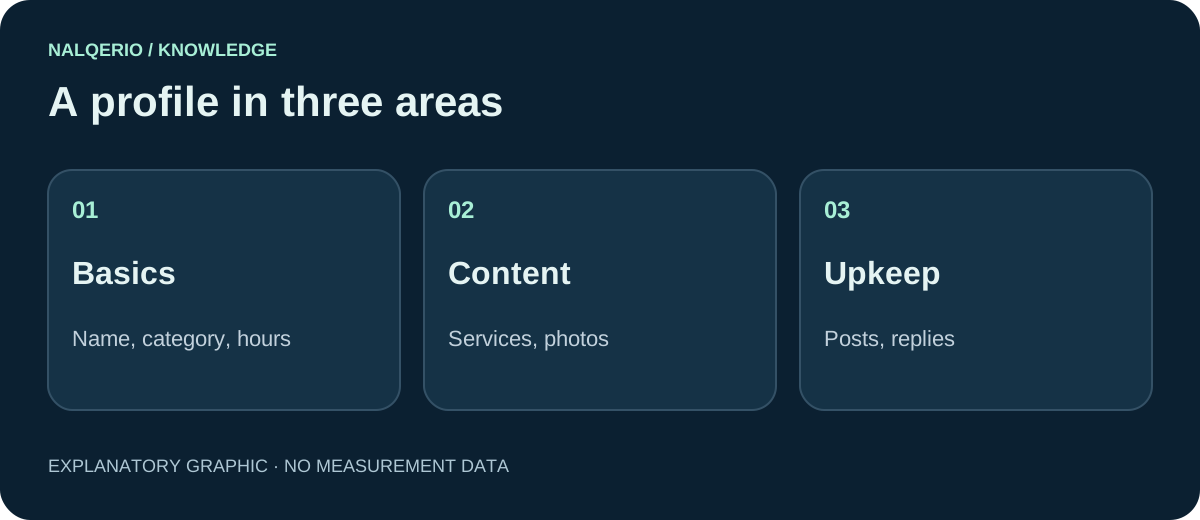
A good Google Business Profile is complete, accurate and alive. What matters is the right primary category, all services, exact opening hours, real photos, regular posts and replies to reviews. Breaking Google’s guidelines, for example with keywords in the business name, can lead to suspension.
Why your business profile matters so much
For searches with a location, Google usually shows a map with three businesses. These listings come from business profiles. Whoever appears there gets a large share of calls and direction requests, often without the website being visited at all.
In its tips to improve local ranking, Google explicitly says that complete and accurate information helps. The following ten steps start exactly there.
Steps 1 to 4: the basic details
- Business name: exactly as your business is known in real life, for example on your sign and stationery. Extra keywords such as “cheap painter Leeds” break the guidelines and can lead to suspension.
- Primary category: the category that most precisely describes your core business. Add a few genuinely relevant additional categories.
- Address or service area: if customers visit you, enter the address. If you go to your customers, set your service area instead and hide the address.
- Opening hours and contact: regular hours, special hours on public holidays, a reachable phone number and the link to your website.
These details must match your website and your directory listings. More in business directories.
Steps 5 to 7: services, description and photos
- Services: list every service you really offer, ideally with a short description. Your profile can then also appear for searches for a specific service.
- Description: explain in a few sentences what you offer, to whom and where, and what sets you apart. Write for people, not search engines, and skip links and sales slogans.
- Photos: real pictures of your team, premises, vehicles and finished work. Customers want to see who they are dealing with. Stock photos look interchangeable.
Steps 8 to 10: keep the profile alive
- Posts: share news, offers or projects now and then. It shows customers that your business is active.
- Reviews: ask happy customers for a review and reply to every one, including critical ones. How to do it right is explained in how to get Google reviews.
- Check questions and edits: regularly check whether someone has suggested changes to your profile, and answer questions from users.
Plan ten minutes a week for this. A maintained profile looks more trustworthy than a perfect one nobody has looked at for a year.
Common mistakes to avoid
- keywords or place names in the business name
- several profiles for the same business at the same address
- a virtual office address where you do not actually work
- outdated opening hours, especially on public holidays
- bought or self-written reviews
Such violations can lead Google to restrict or suspend your profile. When in doubt, check the guidelines for representing your business.
Business profile and AI recommendations
AI assistants use publicly available information about your business. A complete profile, consistent details and genuine reviews make it easier to identify your business clearly and place it correctly. The free AI check shows whether ChatGPT currently recommends you.
If you want to track the effect of your changes over weeks, you can try Nalqerio free for 14 days if you have not used the trial before. More on the pricing page.
Frequently asked questions
Does the Google Business Profile cost anything?
No, the business profile is free. Be careful with calls or emails offering a paid “Google listing”. Google does not charge for it.
Can I put my town in the business name?
Only if the town really is part of your official business name. Extra place names or keywords break Google’s guidelines and can lead to suspension of the profile.
How often should I update my profile?
Ideally check it briefly once a week: reply to new reviews, check suggested edits and occasionally add a photo or post. Adjust opening hours before public holidays.
Sources and further reading
- Google Business Profile: Guidelines for representing your business
- Google: Tips to improve your local ranking
- Google: Prohibited and restricted content in contributions
- Nalqerio: free AI check
Methods, product scope and sources reflect the publication date shown. Examples are not measurements of your website. Linked product pages provide current plan and provider details.
