A content audit examines the purpose and quality of existing pages. For AI search, add checks for explicit claims, verifiable evidence and understandable answer sections. The outcome is a reasoned page decision, not an automatically calculated GEO quality score.
Define the scope of the content audit
Start with pages that support a purchase: product information, pricing, key guides, comparisons and important help pages. A complete inventory may suit a small website. For a large site, begin with a clearly defined section.
This differs from the technical GEO audit, which also examines accessibility and technical obstacles. Here the question is whether the content answers a real need accurately and sufficiently.
A sitemap is a starting point, not a quality report. Add important public pages that are missing from the export. Keep private customer areas and personal data out of public worksheets.
The inventory template: one row per page
Collect information you can use to make a decision. A small completed inventory is more useful than hundreds of unused columns.
| Column | What to record |
|---|---|
| URL and language | The exact language version being reviewed. |
| Reader task | After reading, the person can … |
| Owner and review date | Who maintains product claims, and when were they checked? |
| Evidence | Which important claims can the reader verify? |
| Overlap | Does another page solve the same core task? |
| Search data | Recorded impressions and clicks, period and source. |
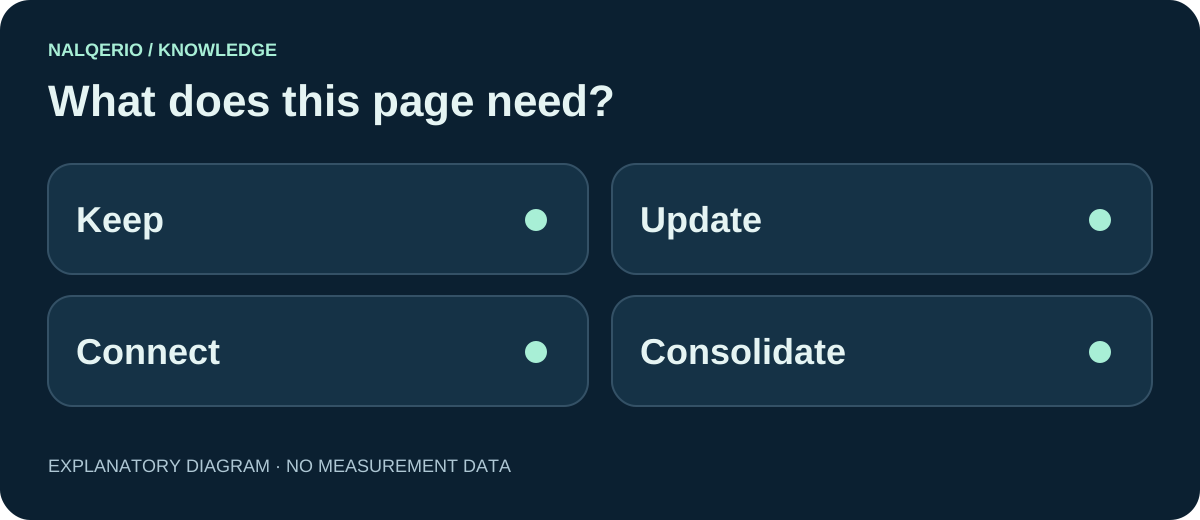
| Decision | Keep, update, connect, consolidate or plan a new page. |
Record unavailable data as unknown. No clicks during a chosen period does not establish no demand. New pages and small samples need careful interpretation.
Ask five specific questions about each page
- Purpose: is the reader’s task clear from the opening?
- Answer: does the page provide usable information or only promises?
- Evidence: do sources and examples support the claims?
- Currency: are features, prices and conditions still accurate?
- Next step: does a relevant link support the next decision?
Do not use word count as a substitute for quality. A short answer can be complete; a long article can still omit the decisive limitation. The E-E-A-T worksheet helps examine evidence.
Read sections out of context as well. Vague phrases such as “this makes it work” may need clarification. See the content chunking guide.
Review freshness: are prices, features and prerequisites still correct? An old article is not automatically unusable. Do not change the visible date merely to suggest freshness. Document a substantial revision and check that the sources still support it. Google explains the presentation of publication and modification dates.
Match the decision to the finding
Keep
The page accurately solves a distinct task. Maintain ownership and a review date rather than rewriting without a reason.
Update
The purpose is sound, but information is missing or outdated. Correct the specific issue and check other pages repeating it.
Connect
Two pages solve different consecutive tasks. A descriptive link can close the gap.
Consolidate
Two pages solve essentially the same task. Review search data and links, select the destination and plan redirects carefully.
Do not delete a page solely because traffic is low. Check its customer and support value first. A new article is justified when a distinct reader task remains unresolved.
Three pages and one missing answer
Fictional case: a software company has a product page and two very similar introductions to online scheduling. None explains how multiple staff members share appointments.
First verify that the product supports this workflow. Then explain it on the responsible product or help page. Review the two introductions for real differences and consolidate if appropriate. Add a contextual link from the overview to team scheduling.
This avoids creating a fourth generic introduction. The topic-cluster guide helps assign page roles; query fan-out helps identify useful subquestions.
Content gap analysis: which answer is actually missing?
A content gap analysis compares specific reader questions with the answers already available. Do not begin with every keyword a competitor ranks for. Start with an important customer decision and the information needed to make it.
| Finding | Useful response |
|---|---|
| No responsible page answers the question | Obtain facts and evidence, then update an existing page or justify a distinct one. |
| The answer exists but is hard to find | Improve the heading, section or relevant internal link. |
| Two pages contradict each other | Identify the responsible source and reconcile the facts. |
| A competitor covers an unrelated topic | Leave it out if it does not serve your audience and offer. |
Record the question, responsible URL, missing statement, evidence requirement and next task. Use the search intent matrix to classify it and the content brief to commission the work. A comparative gap does not establish search demand or future traffic.
Implement three changes before repeating the review
Correct false information first, then address important buying questions and misleading reader journeys. Give each task a target page, an owner and an acceptance criterion.
Check the published content and links directly. Assess search data later over appropriate periods. A simultaneous ranking change does not prove causation. Google’s helpful-content guidance offers further self-assessment questions.
Nalqerio can contribute selected answer evidence and website-audit findings. The inventory and consolidation decisions in this guide remain your editorial work. The product tour shows the supported workflow.
Frequently asked questions
How does a content audit differ from a GEO audit?
The content audit organises pages by task, substance and maintenance needs. A technical GEO audit also examines access and other technical prerequisites.
Should I delete articles without traffic?
Not automatically. Review their age, measurement period, customer value, links and overlap before deciding.
How frequently should I audit content?
Match the rhythm to changes in your offer. Important product changes need immediate checks on affected pages, without rebuilding the entire inventory each time.
Sources and further reading
- Google Search Central: helpful, reliable, people-first content
- Google Search Central: crawlable links
- Nalqerio: methodology
Methods, product scope and sources reflect the publication date shown. Examples are not measurements of your website. Linked product pages provide current plan and provider details.
